
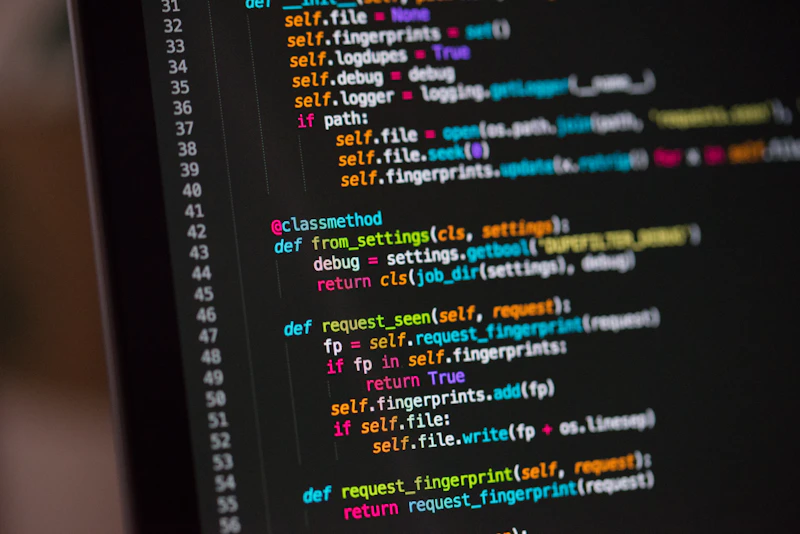
Efficient Log Management and Text Deduplication for Developers
Working with large-scale server logs, configuration files, and extensive database dumps often results in massive amounts of redundant data. When debugging complex applications, separating signal from noise is crucial. Knowing how to quickly remove duplicate lines and clean up messy datasets saves precious time and prevents configuration errors. Whether you are preparing datasets for analysis or cleaning up raw terminal outputs, having the right approach to text manipulation is an essential skill for every modern software engineer.
Why Duplicate Lines Accumulate in Developer Workflows
Redundant data typically enters your workflow through automated logging systems, repetitive test runs, or unoptimized database queries. When multiple threads write to the same output file simultaneously, logs can quickly balloon to gigabytes of repetitive entries. Manually scanning through thousands of lines to delete duplicates is entirely impractical. Instead, developers rely on programmatic filters or online text utilities to sanitize their inputs instantly.
Practical Steps to Clean and Format Developer Logs
- Isolate the Target Data: Copy the specific section of your log file or code snippet that contains the redundant entries.
- Filter Out Redundancies: Apply a deduplication process to eliminate identical consecutive or non-consecutive lines. If you also need to adjust the text casing for consistency, you can easily convert text case online to match your exact syntax requirements.
- Analyze Metrics and Lengths: Before injecting large text blocks back into your application or documentation, verify your text metrics. You might want to count words and characters to ensure your payload fits within strict API limits or documentation constraints.
- Final Validation: Review the cleaned output to ensure that essential timestamp markers or error codes were not inadvertently stripped away during the deduplication phase.
Best Practices for Maintaining Clean Text Files
To keep your projects organized and performant, implement these straightforward guidelines:
- Always back up raw log files before performing destructive text operations.
- Utilize regular expressions for advanced pattern matching alongside basic deduplication.
- Automate log rotation policies on production servers to prevent massive file bloat.
- Incorporate text sanitization scripts directly into your CI/CD pipelines to catch formatting issues early.
Mastering text manipulation and log cleaning not only optimizes your system storage but also drastically improves your overall debugging productivity. Keep your codebase lean, your logs readable, and your workflow automated.